- 逆变式空气离子切割机Air plasma cutting machine
- 非高频等离子切割机Non-High Frequency Plasma Cutting Machine
- 精细等离子切割机Fine Plasma Cutting Machine
- 内置气泵等离子切割机Plasma Cutting Machine with Built‑in Air Compressor
- 埋弧焊机Submerged Arc Welding Machine
- 氩弧焊机TlG Welding Machine
- 螺柱焊机Stud Welding Machine
- 气保焊机 CO₂/MIG/MAG Welding Machine
- 电渣焊机ESW machine
- 手工电焊机Stick Welding Machine
- 智能焊割软件CAM
- 数控系统CNC
北京米森科诺控制技术有限公司
电话:010-61805655
服务电话:13691059284
邮箱:misnco@163.com
国际站:www.misnco.net(多语种)
办公地址:北京市石景山区阜石路166号泽洋大厦1110室
生产基地:河北省石家庄市栾城区裕翔街165号未来科技城1区6号楼1F


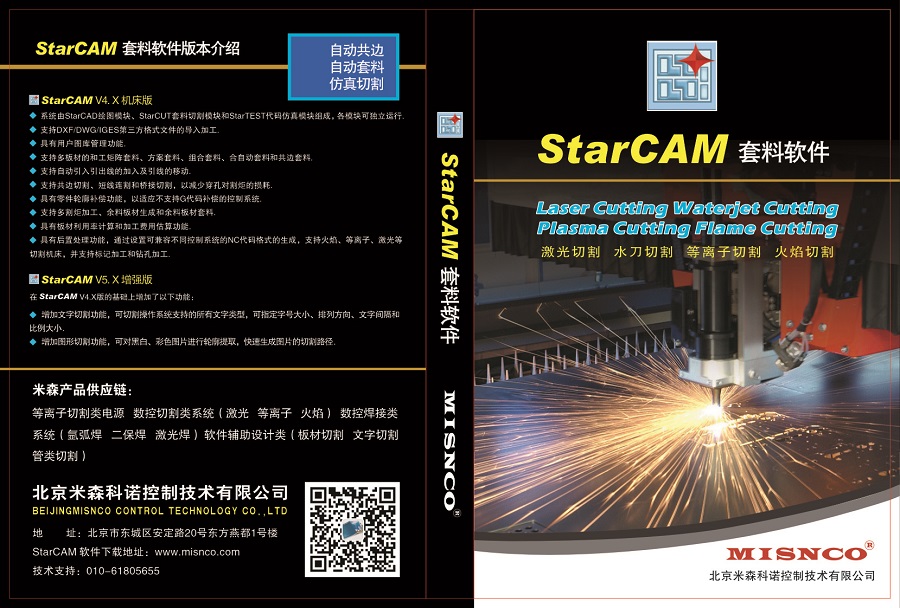
激光 /等离子/火焰切割套料软件STARCAM下载请点击“软件下载”
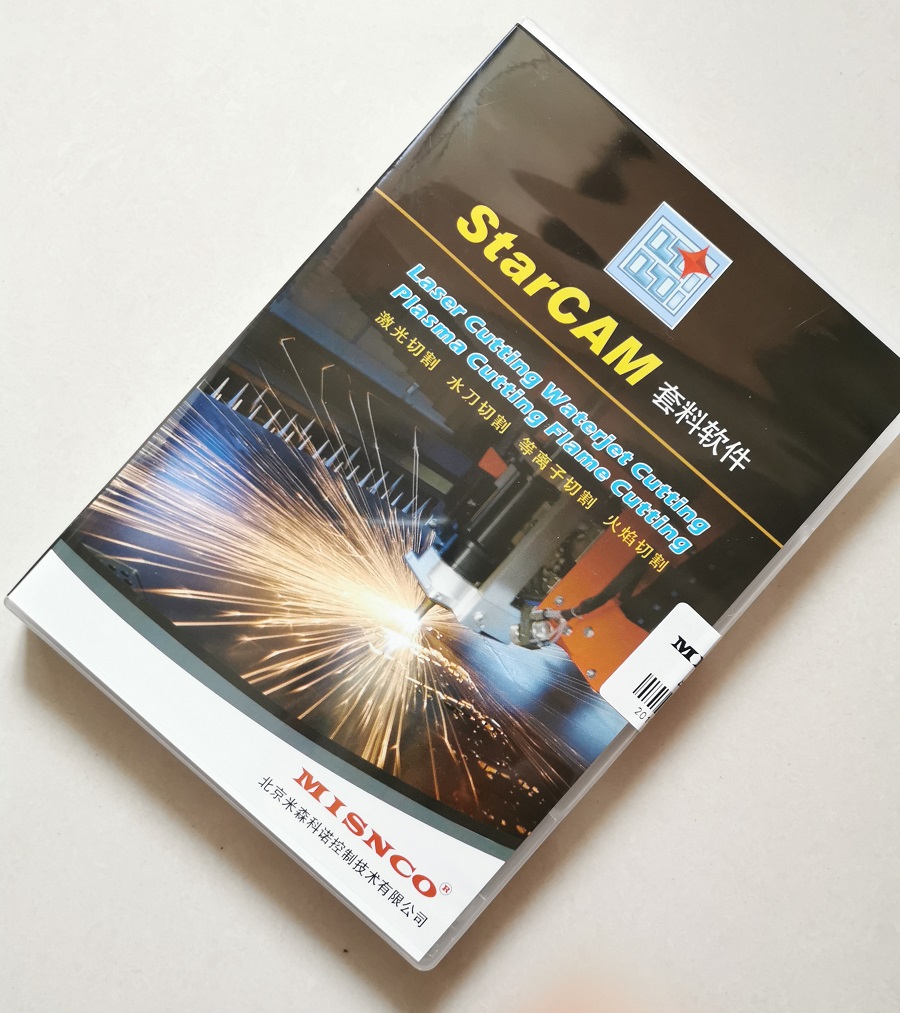
STAR CAM切割套料编程软件
一、STAR CAM产品特色
1、 功能齐备
提供多种套料算法(真实形状/矩形包络/通裁通剪/阵列式)
支持多种套料模式(单张/批量/复制/余料/局部填充/交互式)
集成化数据管理(零件库/钢板库/统计报表)
2、技术先进
全自动高速优化套料(材料利用率提高1%~5%)
全自动智能共边切割(提供多种共边切割方法,切割效率提高10%~50%)
3、操作简便
10分钟学会基本操作!
3分钟输出切割代码!
4、自主版权
具有完全自主知识产权,是中国自己的套料软件
以著名高校为技术依托,提供优质的本地化服务
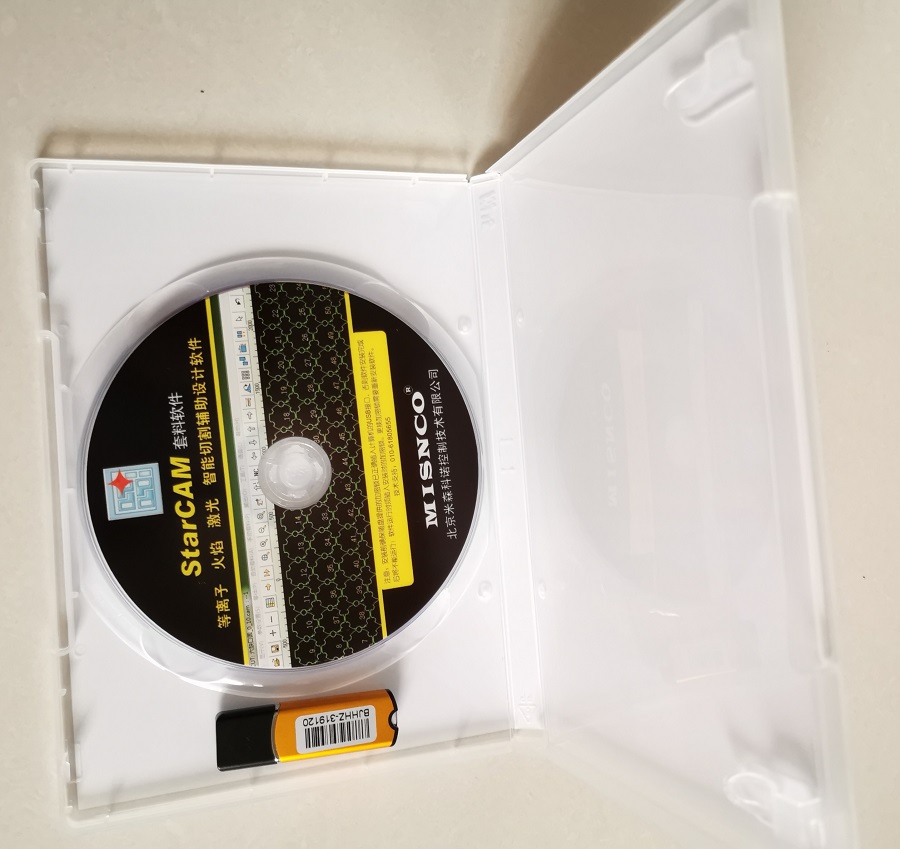
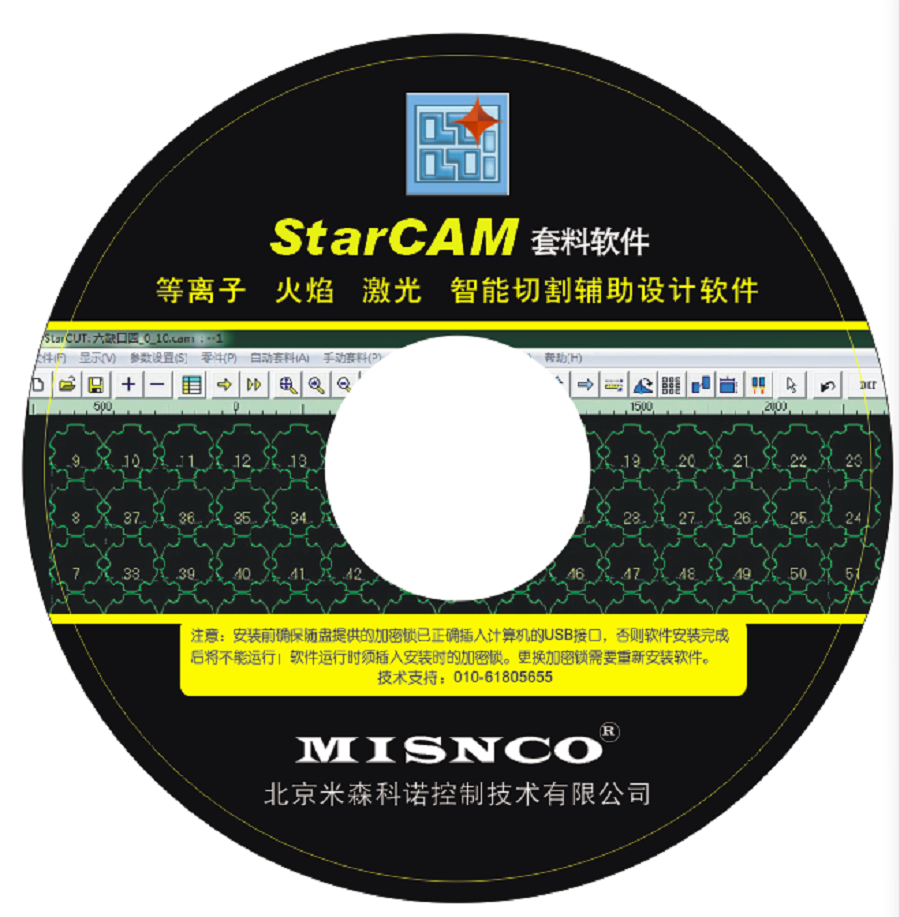
注意:安装前确保质盘提供的加密锁已正确插人计算机的USB接口,否则软件安装完成后将不能运行!软件运行时须插入安装时的加密锁。更换加密锁需要重新安装软件。
STAR CAM Product Features
- Comprehensive Functions Offers multiple nesting algorithms (True‑shape / Rectangular envelope / Continuous cutting / Array‑based) Supports various nesting modes (Single‑sheet / Batch / Duplicate / Remnant plate / Partial filling / Interactive) Integrated data management (Part library / Plate library / Statistical reports)
- Advanced Technology Fully‑automatic high‑speed optimized nesting (improves material utilization by 1%‑5%) Fully‑automatic intelligent common‑edge cutting (multiple common‑edge cutting methods available; boosts cutting efficiency by 10%‑50%)
- Easy‑to‑operate Master basic operations within 10 minutes! Generate cutting NC codes within 3 minutes!
- Independent Copyright Fully independent intellectual property rights. This is a domestic Chinese nesting software. Backed by renowned universities for technology support, delivering high‑quality localized services.
Notice: Before installation, make sure the hardware dongle supplied with the disc is properly inserted into your computer’s USB port. Otherwise, the software will fail to run after installation! The dongle used during installation must remain plugged in while the software is running. Software reinstallation is required if the hardware dongle is replaced.